

Best Learning Apps for Kids in 2026: An Honest Guide by Age
Honest picks of learning apps for kids by age, from free reading and math apps to coding and games, plus a 5-question checklist to judge any app yourself.
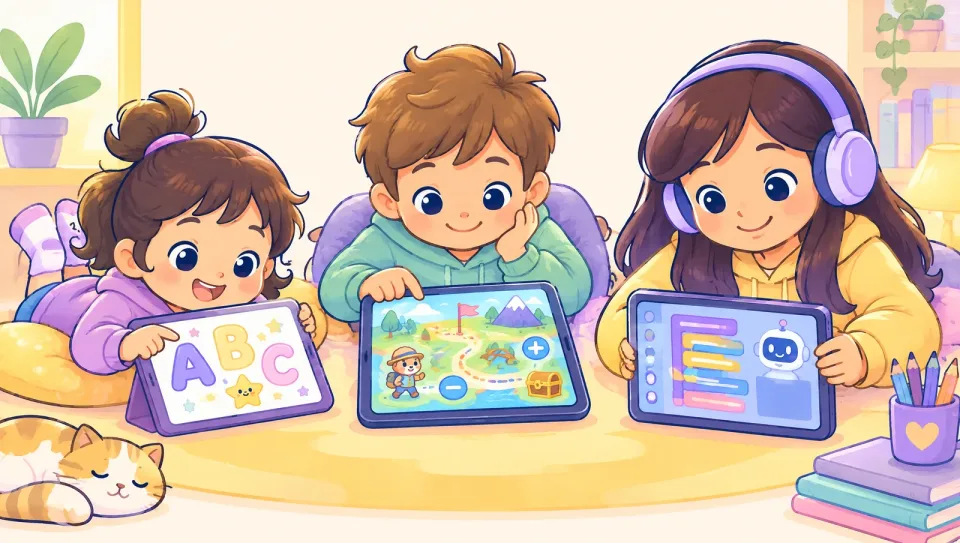
The best learning apps for kids make your child think, not just tap. They fit your child's age, have few distractions, and are something you can talk about together afterward. Below is an honest shortlist by age, with what each app does well, what it costs at a glance, and a quick checklist so you can judge any app yourself.
Quick summary
- Free, high-quality options exist for every age. You don't need to pay to start.
- Research suggests apps teach best when they're active, focused, meaningful, and social.
- Ages 2 to 8: Khan Academy Kids, PBS KIDS Games, Duolingo ABC, ScratchJr.
- Ages 8 to 14: Khan Academy, Prodigy Math, Epic, Scratch, and carefully chosen AI tools.
- Sit with your child for the first few sessions. You'll learn quickly whether an app is worth keeping.
How do you know if a learning app is actually educational?
There are a lot of apps that call themselves educational. A 2015 review in Psychological Science in the Public Interest (Hirsh-Pasek et al., 2015) counted more than 80,000 education apps in Apple's App Store at the time, and noted there were no science-based standards for that label. The authors proposed four pillars of learning. Apps teach more when they:
- Keep the mind active. Your child is thinking and deciding, not just swiping.
- Stay engaged with the learning. Few flashy extras that pull attention away.
- Feel meaningful. What they learn connects to their life.
- Include social interaction. Your child talks about it with you, a teacher, or friends.
The American Academy of Pediatrics' 2026 guidance for families (HealthyChildren.org, AAP, 2026) makes a similar point: look for quality content that supports skills like reading and math, and use media together when you can.
A 5-question checklist before you download
- Does my child have to think, or can they win by tapping randomly?
- Are there ads, pop-ups, or pushy in-app purchases?
- Does it adjust to my child's level?
- Can I see what my child did or learned?
- Will we actually talk about it afterward?
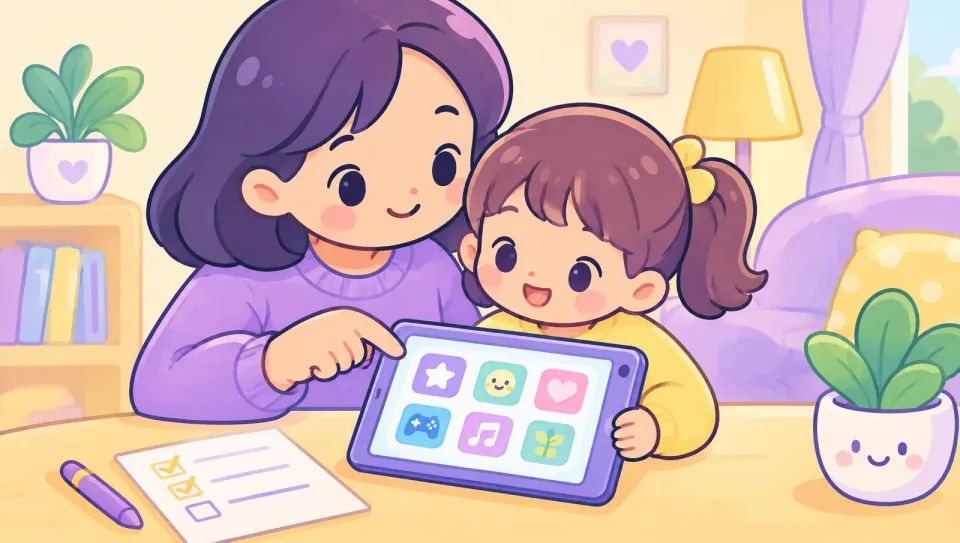
If an app fails two or more, keep looking.
Which learning apps are best by age?
We checked each app below on its official site or App Store listing in October 2026. Nobody paid to be included. Prices change, so confirm on the official page.
| App | Ages (per developer) | Focus | Cost at a glance |
|---|---|---|---|
| Khan Academy Kids | 2 to 8 | Reading, math, social-emotional | Free, no ads |
| PBS KIDS Games | About 2 to 8 | Games across subjects | Free |
| Duolingo ABC | PreK to 1st grade | Phonics and early reading | Free, no ads or in-app purchases |
| ScratchJr | 5 to 7 | Beginner coding | Free |
| Epic | Kids (age range not stated on site) | Digital library, read-to-me | Paid family plan; free for educators |
| Prodigy Math | Grades 1 to 8 | Math practice in a game | Free; optional paid membership |
| Khan Academy | K to 12 | Math, science, reading, more | Free |
| Scratch | Older kids (see site) | Coding and creating | Free |
Ages 2 to 5: playful basics
Khan Academy Kids is the easiest first recommendation. Khan Academy says it's free with no ads or subscriptions, for ages 2 to 8, covering early reading, writing, math, and social-emotional skills.
PBS KIDS Games offers more than 280 free games with familiar characters, in English and Spanish, and games can be downloaded for offline play.
These are the years when real-world play matters most. The AAP notes that children under 18 months learn best from real-world interaction, so keep apps short and shared at this stage.
Ages 5 to 7: early reading and first coding
Duolingo ABC is one of the more focused reading apps for kids at this age. It teaches letters, sounds, and sight words in short lessons, and the developer says there are no ads or in-app purchases.
ScratchJr is a free coding app for ages 5 to 7, developed by MIT Media Lab's Lifelong Kindergarten group and Tufts University, now supported by the nonprofit Scratch Foundation. Kids snap blocks together to make their own stories and games, which ticks the "active" pillar.
Ages 8 to 10: what are the best learning apps for 8 year olds?
Eight is a turning point. Many kids can read alone, and they want more challenge and more choice. Good options:
- Prodigy Math is a role-playing game where kids answer math questions to battle and explore, for grades 1 to 8. The core game is free; the App Store lists optional paid memberships. It's one of the most popular kids educational games, but watch for the upsell to membership, and check that your child is actually solving problems, not just playing the adventure part.
- Epic is a digital library with more than 40,000 books, audiobooks, and learning videos, including read-to-me books. It's free for educators during the school day; families pay for a subscription.
- Khan Academy is free, run by a nonprofit, and covers math, science, reading, and more from kindergarten through early college. It's more lesson-based than game-based, which suits kids who like clear progress.
For an 8-year-old, a good mix is one reading app, one math app, and one creative app. That's usually enough.
Ages 10 to 14: deeper learning and creating
At this age, the best apps let kids make things and go deeper on topics they love.
- Scratch is the free, full version of Scratch, a programming language and online community where kids create interactive stories, games, and animations.
- Khan Academy continues to work well for math and science through middle school.
- AI learning tools are now part of the picture. Some, like Khan Academy's Khanmigo, are designed to guide students rather than give answers. If you're weighing AI tutors, our honest look at Khanmigo alternatives and AI tutor costs covers the details.
What about Arabic learning apps?
If your family speaks Arabic, you'll want a different set of tools: stories, leveled Arabic reading, and conversation. We cover those in a separate guide to Arabic for kids at home and online.
How much app time is reasonable?
The AAP no longer gives one daily number for school-age children. Its 2026 guidance focuses on quality, using media together, and protecting sleep, meals, and play. Common Sense Media's 2025 census of kids 0 to 8 (Common Sense Media, 2025) found young children average about 2.5 hours of screen media a day, so even "educational" time adds up fast.
A few practical rules that work for many families:
- Learning apps first, entertainment second. If there's screen time today, the learning app comes before videos.
- Set limits inside the app or device. Most phones and tablets have built-in time controls.
- Keep screens out of bedrooms at night. The AAP suggests starting screen-free zones with bedrooms and mealtimes.
- Balance it with real-world play. Our list of screen time alternatives for kids has 25 ideas.
What are the red flags in kids' learning apps?
- Lots of rewards for little effort. Coins and confetti for every tap can crowd out learning.
- Constant upsells. If your child keeps hitting a paywall mid-lesson, it gets frustrating.
- No way for you to see progress. You should be able to tell what your child did.
- Open chat with strangers. For younger kids, avoid apps with public chat.
- General AI chatbots with no kid settings. The AAP's article on AI chatbots and kids (HealthyChildren.org, 2025) notes these aren't built with children in mind.
How Heynour fits in
Heynour is an AI learning companion for kids aged 6 to 14, in Arabic and English. Instead of a fixed set of lessons, your child asks questions about anything they're curious about, by typing or speaking, and Heynour explains at their level, step by step, rather than handing over answers. Kids earn stars and badges for effort and consistency, not grades.
You create the account, see your child's conversations, set a daily time limit, and get a weekly report on rounds and effort. Homework photo help is in the paid Plus plan.
Its limits: it's not a structured curriculum like Khan Academy, and AI can make mistakes, so it works best alongside the apps above and your own involvement. You can read more for parents or compare the free and Plus plans.
FAQ
What are the best free learning apps for kids?
Several strong learning apps for kids are free. Khan Academy Kids (ages 2 to 8) is free with no ads. PBS KIDS Games offers hundreds of free games. Duolingo ABC teaches early reading without ads or in-app purchases. ScratchJr and Scratch teach coding for free. Khan Academy covers K to 12 subjects at no cost. Start with these before paying for anything.
What are the best learning apps for 8 year olds?
For most 8-year-olds, a balanced mix works best: a reading app like Epic, a math app like Prodigy Math or Khan Academy, and a creative app like ScratchJr or Scratch. Eight-year-olds want challenge and choice, so let your child help pick. Sit with them for the first few sessions to see whether the app makes them think or just keeps them tapping.
Are educational games actually good for kids?
Some are. Research on educational apps suggests children learn more when an app keeps them actively thinking, avoids distracting extras, connects to their real life, and involves talking with others. A game that makes your child solve real problems can teach a lot. A game that rewards random tapping usually doesn't. Watch your child play and ask what they learned.
What are good reading apps for kids?
For early readers (around ages 4 to 7), Duolingo ABC and Khan Academy Kids focus on letters, sounds, and first words. For confident readers, Epic offers a large library with read-to-me books. Your local library may also lend free ebooks and audiobooks through apps like Libby with a library card. Reading together, on paper or a screen, still matters most.
How much time should kids spend on learning apps?
There's no single number that fits every child. The AAP's 2026 guidance focuses on content quality, using media together, and keeping sleep, meals, and play protected, rather than a strict daily limit for school-age kids. A practical approach is short, focused sessions, learning apps before entertainment, and no screens in the bedroom at night.
Sources
- Hirsh-Pasek et al. Putting Education in "Educational" Apps. Psychological Science in the Public Interest (2015)
- HealthyChildren.org (AAP): Helping Kids Thrive in a Digital World (2026)
- HealthyChildren.org (AAP): Are AI Chatbots Safe for Kids? (2025)
- Common Sense Media: The 2025 Common Sense Census: Media Use by Kids Zero to Eight
- Khan Academy Kids (checked October 2026)
- Khan Academy: About (checked October 2026)
- PBS KIDS Games on the App Store (checked October 2026)
- Duolingo ABC on the App Store (checked October 2026)
- ScratchJr on the App Store (checked October 2026)
- Scratch (checked October 2026)
- Prodigy Math Game on the App Store (checked October 2026)
- Epic (checked October 2026)
- Libby (checked October 2026)